


Does disabling notifications affect my IPTV app's performance?
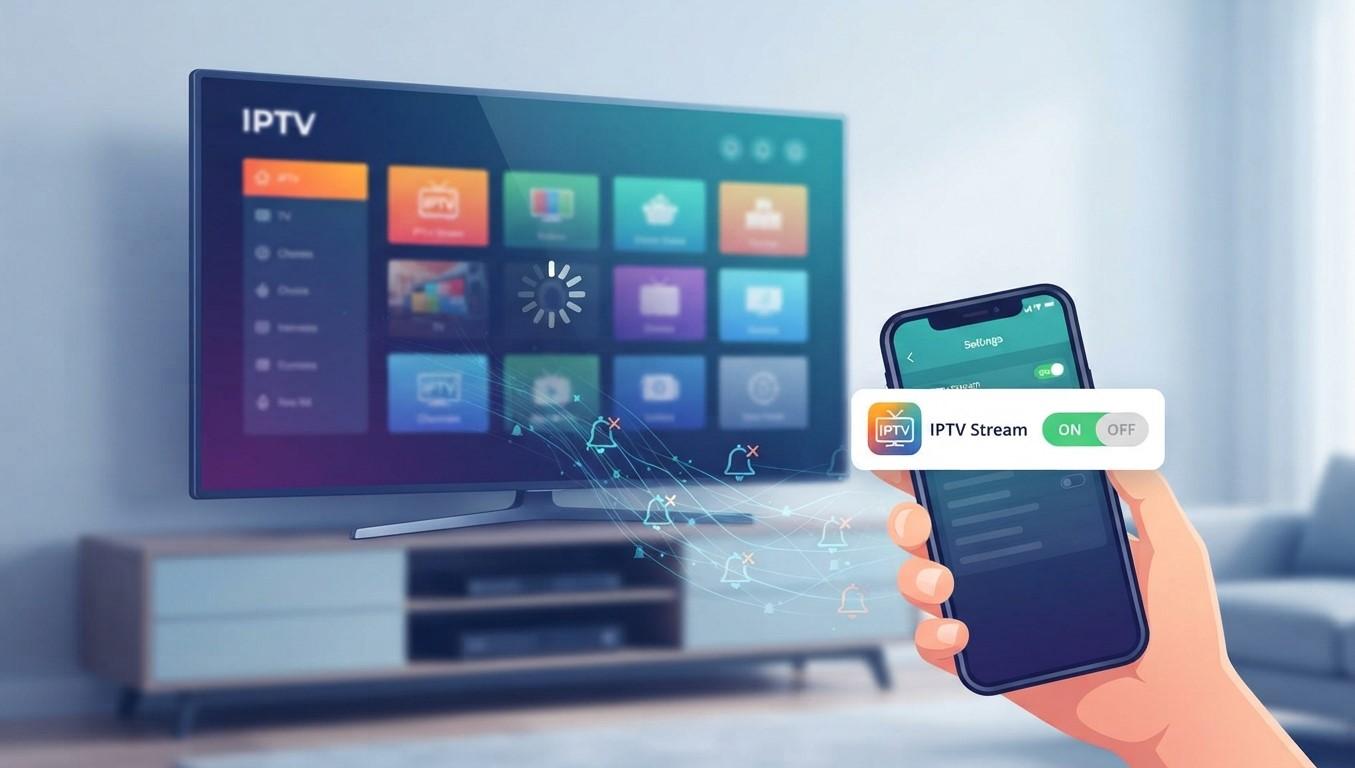
If you use IPTV regularly, you may notice that your IPTV app sends notifications about new content, service updates, reminders, or other events. Some users prefer to disable these notifications to reduce distractions.
But does turning off notifications affect IPTV performance?
In most cases, disabling notifications does not directly affect live IPTV playback, picture quality, or streaming speed. Notifications are primarily designed to alert you about information from an app. Streaming, meanwhile, depends more heavily on your internet connection, device performance, IPTV application, and the service delivering the content.
For people using IPTV India services on smart TVs, phones, tablets, or other compatible devices, understanding the difference between notifications and background activity can make troubleshooting much easier.
Table of Contents
-
What Are IPTV App Notifications?
-
Do Notifications Affect IPTV Streaming?
-
Can Disabling Notifications Improve Performance?
-
Notifications vs. Background Activity
-
Does Disabling Notifications Save Battery?
-
What Can Actually Cause IPTV Buffering?
-
IPTV Apps on an Indian IPTV Box
-
Should You Disable IPTV Notifications?
-
How to Improve IPTV App Performance
-
Frequently Asked Questions
-
Final Thoughts and CTA
1. What Are IPTV App Notifications?
Notifications are alerts displayed by your device to provide information from an application.
Depending on the IPTV app, notifications might be used for:
-
Service announcements
-
New content alerts
-
Program reminders
-
Account information
-
Application updates
-
Playback or connection messages
-
Promotional messages
The exact notification features vary between IPTV applications.
On Apple devices, users can control whether an application is allowed to display alerts, sounds, or badges.
Android also provides notification controls that allow users to manage notifications from individual applications and notification categories.
Importantly, a notification is not the same thing as the video stream itself.
2. Do Notifications Affect IPTV Streaming?
Generally, no.
If you disable notifications for an IPTV application, you should still be able to open the app, select a channel, and stream content normally—as long as the app and service do not require notifications for a particular feature.
Live streaming usually depends on factors such as:
-
Internet bandwidth
-
Connection stability
-
Wi-Fi quality
-
Device processing capability
-
Video resolution
-
IPTV application performance
-
Server or service conditions
-
Network congestion
Turning off a notification does not normally reduce your available internet bandwidth or make the IPTV video stream lower quality.
For example, if an IPTV stream is buffering every few minutes, disabling notifications is unlikely to solve the underlying problem.
3. Can Disabling Notifications Improve Performance?
It can sometimes have a small indirect benefit, but it should not be considered a primary IPTV performance setting.
Notifications themselves are relatively lightweight. However, apps can also perform background work associated with updates, synchronization, or other features. Android documentation notes that background processes can consume memory and battery resources.
Therefore, on an older or resource-limited device, reducing unnecessary background activity may help overall device responsiveness.
However, there is an important distinction:
Disabling notifications is not the same as disabling background activity.
You can turn off visible alerts while an application may still perform certain permitted background operations.
4. Notifications vs. Background Activity
These two concepts are often confused.
Notifications
Notifications are messages or alerts presented to you by the operating system.
For example:
“New program available.”
or:
“Your favorite channel is now live.”
Turning notifications off generally means you will no longer receive that type of visible alert.
Background Activity
Background activity refers to work an application performs when it is not actively being used.
Depending on the operating system and application, this could include:
-
Synchronizing information
-
Refreshing content
-
Processing data
-
Downloading updates
-
Maintaining certain connections
Android has specific controls for background work and battery usage. Its documentation explains that users can place apps into optimized or restricted background states, with restricted apps potentially unable to perform certain background tasks.
Apple similarly provides background mechanisms that applications can use for specific tasks.
This means you should not assume that turning off notifications completely stops an IPTV app from doing background work.
5. Does Disabling Notifications Save Battery?
Potentially, but the effect can be limited.
Notifications can involve alerts, sounds, vibration, screen activity, or background processing depending on how the application and operating system implement them.
For example, Apple explains that background notifications can wake an application and give it time to update content.
Reducing unnecessary alerts may therefore reduce some activity, particularly if an app generates frequent notifications.
However, when you are actively watching IPTV, the largest sources of battery consumption are more likely to include:
-
Display brightness
-
Video decoding
-
Wi-Fi or cellular networking
-
Audio output
-
Device temperature
-
Overall streaming duration
So disabling notifications should not be viewed as a major battery-saving solution during IPTV playback.
6. What Can Actually Cause IPTV Buffering?
If your IPTV stream is buffering, there are several other factors worth checking before changing notification settings.
Slow Internet
A connection that cannot consistently provide enough bandwidth for the selected video quality may cause buffering.
Weak Wi-Fi
A device may have a fast internet plan but still experience poor performance if the Wi-Fi signal is weak.
Network Congestion
Multiple devices using the same network can compete for bandwidth.
For example, someone might be downloading a large file while another person is streaming IPTV.
High Video Quality
Higher-resolution streams generally require more bandwidth and device processing than lower-resolution streams.
Device Limitations
Older smart TVs, phones, tablets, or an older Indian IPTV Box may have limited processing or memory resources.
Service-Side Problems
Sometimes the issue is not your device or home network. Problems with the IPTV service or its streaming infrastructure can also affect playback.
7. IPTV Apps on an Indian IPTV Box
An Indian IPTV Box can provide a dedicated television-based environment for compatible IPTV applications and services.
If you notice poor IPTV performance on a box, disabling notifications is usually not the first setting to investigate.
Instead, check:
-
Internet connection quality
-
Wi-Fi or Ethernet connection
-
Available device storage
-
App version
-
Device software updates
-
Background applications
-
Video quality settings
-
Whether the problem affects one channel or multiple channels
A dedicated box can be convenient for home viewing, while smartphones and tablets may provide greater portability.
8. Should You Disable IPTV Notifications?
There is no universal requirement to keep IPTV notifications enabled.
Your choice can depend on how you use the application.
Keep Notifications On If:
-
You want program reminders.
-
You want service announcements.
-
You use content alerts.
-
You rely on notifications for account information.
Disable Notifications If:
-
You find alerts distracting.
-
You do not use program reminders.
-
You prefer a quieter device.
-
You receive unnecessary promotional alerts.
Disabling notifications is primarily a preference and convenience setting, rather than an IPTV streaming optimization setting.
9. How to Improve IPTV App Performance
If your goal is smoother IPTV playback, focus on the factors that directly affect streaming.
Use a Stable Internet Connection
A stable connection is often more important than simply having a high advertised download speed.
Improve Wi-Fi Coverage
If your IPTV device is far from the router, consider improving your network coverage.
Try Ethernet When Available
For compatible televisions and IPTV boxes, a wired Ethernet connection can provide a more consistent connection than weak Wi-Fi.
Close Unnecessary Apps
On devices with limited memory, closing unnecessary applications may help maintain overall responsiveness.
Keep Your Device Updated
Operating-system and application updates can include performance and compatibility improvements.
Check the IPTV Application
If only one IPTV app experiences problems, compare its behavior with other legitimate streaming applications. This can help determine whether the issue is device-wide or application-specific.
Restart the Device
A simple restart can sometimes clear temporary software or network problems.
Check Your Service
If your internet connection is working normally but multiple IPTV channels continue to have problems, the issue may be related to the service itself.
10. Frequently Asked Questions
Does turning off notifications stop IPTV from working?
Usually, no. Disabling notifications generally prevents alerts from being displayed but does not stop normal IPTV playback.
Will disabling notifications improve IPTV picture quality?
No. Picture quality is primarily affected by the stream's resolution, connection quality, application, device, and service. Notification settings normally do not control video quality.
Can disabling notifications reduce IPTV buffering?
Usually not. Buffering is more commonly related to network speed and stability, Wi-Fi conditions, device performance, or service-side issues.
Does disabling notifications save battery?
It may reduce some notification-related activity, but the effect is generally smaller than the battery consumption caused by the display, networking, and video playback during an IPTV session.
Should I disable notifications on my IPTV box?
You can if you do not want alerts, but it is not normally necessary for better streaming performance.
Can an IPTV app work without notifications?
In most cases, yes. Core functions such as opening the app and watching compatible IPTV content generally do not depend on visible notifications.
What should I check if IPTV is still buffering?
Check your internet connection, Wi-Fi signal, device performance, application version, video quality, and whether the problem occurs across multiple channels.
Does an Indian IPTV Box need notifications enabled?
Not necessarily. Notification requirements depend on the particular operating system and application. Turning notifications off does not normally prevent basic IPTV playback.
11. Final Thoughts
Disabling notifications is generally safe if you simply want fewer interruptions from your IPTV application. It normally does not reduce streaming quality or prevent you from watching live content.
For IPTV India users, the most important factors for reliable playback are usually a stable internet connection, compatible hardware, a properly functioning application, and an authorized IPTV service.
If you use an Indian IPTV Box, focus on network quality, device performance, application updates, and connection type before changing notification settings. Notifications are primarily about alerts; they are not what determines the quality of your IPTV stream.
CTA
Looking for a convenient IPTV setup for your home entertainment needs? Explore compatible IPTV options, check your device and network requirements, and choose a legitimate service that supports your preferred devices. Whether you watch through a smart TV, mobile device, or Indian IPTV Box, a stable connection and compatible setup can help provide a smoother viewing experience.

 English
 Arabic
 French
 Spanish
 Portuguese
 Deutsch
 Turkish
 Dutch
Dutch
 Italiano
 Russian
 Portuguese (Brazil)
 Greek
Greek
 Bengali