


How to Maintain True1 Connectors for Long-Term Performance
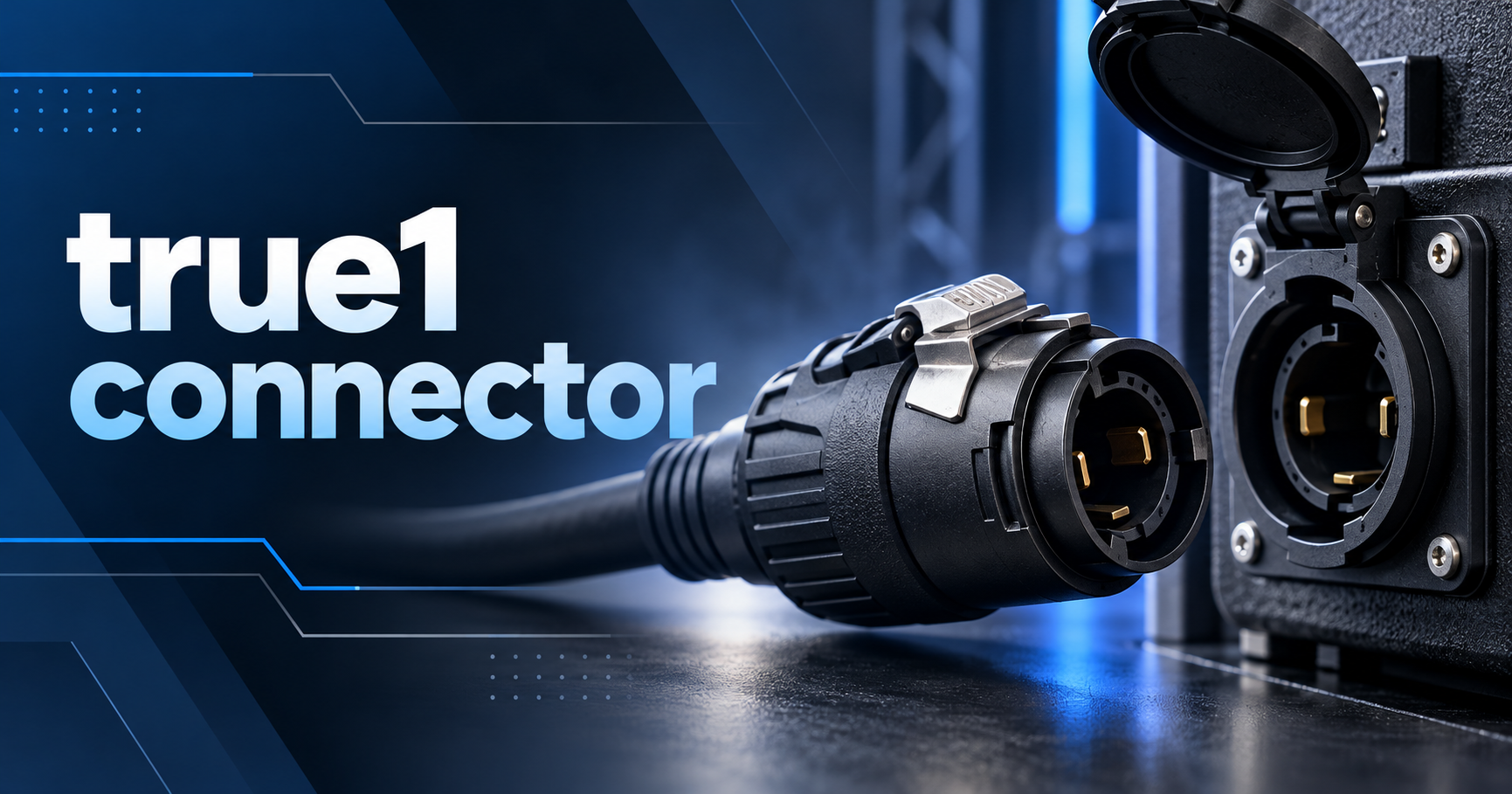
Reliable power connections are essential for concerts, stage lighting, outdoor events, and industrial applications. However, frequent use, dust, moisture, and poor handling can damage even high-quality electrical components. Regular maintenance helps prevent unexpected failures and keeps equipment working safely. Knowing how to care for a true1 connector can help event technicians and electrical professionals reduce downtime and protect their equipment. In this guide, we share practical maintenance tips, common mistakes to avoid, and expert resources for long-term performance.
What Is a True1 Connector?
A TRUE1 connector is a professional power connector commonly used in entertainment, live production, and other demanding electrical applications. It provides a secure connection for compatible equipment, including stage lights, LED displays, and professional power distribution systems.
Unlike ordinary household plugs, genuine TRUE1 products are designed for professional use and feature a locking mechanism. Selected models also offer IP-rated protection against dust and water when correctly connected with compatible components.
However, a connector's performance depends on more than its original quality. Dust buildup, damaged seals, worn contacts, and incorrect storage can affect its reliability over time.
That is why regular maintenance matters. Proper inspection and handling help identify problems early, reduce avoidable replacement costs, and support dependable power connections.
Why Is Regular Maintenance Important?
Electrical connectors often experience repeated connection cycles, cable movement, transport, and exposure to changing environmental conditions.
Without proper care, these factors can contribute to damaged housings, worn locking components, poor electrical contact, and moisture-related problems. Such defects may cause intermittent power, overheating, or equipment failure.
Routine maintenance helps technicians identify visible damage before using the equipment. It also supports longer service life and more predictable performance during demanding events.
For businesses that depend on professional electrical equipment, a simple maintenance routine can prevent costly interruptions and improve operational reliability.
6 Practical Tips to Maintain True1 Connectors
1. Inspect Connectors Before Every Use
Start by checking the connector housing, locking mechanism, cable entry, and visible seals. Look for cracks, deformation, loose parts, corrosion, or other signs of damage.
Also, inspect the attached cable for cuts, exposed conductors, and damaged insulation. Never use a connector that shows signs of electrical damage.
If you discover a defect, remove the equipment from service and arrange an appropriate repair or replacement.
2. Keep Connectors Clean and Dry
Dust and dirt can collect around connector surfaces during transport and storage. Use a clean, dry, lint-free cloth to remove loose dirt from accessible external surfaces.
Avoid soaking connectors or spraying cleaning products directly into them. Do not use solvents, abrasives, or contact cleaners unless the manufacturer specifically approves them.
Before reconnecting equipment, make sure the components are clean and dry according to the manufacturer's instructions.
3. Protect Connectors From Moisture
Some TRUE1 models provide IP65 protection when properly mated with compatible components. However, this rating does not mean every connector is waterproof under all conditions.
Inspect seals and mating surfaces for damage before outdoor use. Follow the manufacturer's instructions for environmental protection, especially during outdoor festivals or temporary installations.
Never assume a damaged or incorrectly connected unit retains its original IP rating.
4. Handle Cables Carefully
Pulling a cable by its connector can place unnecessary strain on the housing and internal connections. Instead, disconnect equipment according to the manufacturer's instructions and handle the connector body correctly.
Avoid sharp bends, heavy loads on cable connections, and excessive tension. Use suitable cable management to prevent people, equipment, or vehicles from damaging the installation.
These simple habits can help reduce mechanical wear and prevent avoidable connection problems.
5. Store Connectors Properly
After use, clean the external surfaces and inspect the equipment before packing it away. Store connectors in a clean, dry location away from direct sunlight, excessive heat, and corrosive substances.
Use protective cases or suitable storage compartments to prevent connectors from striking other equipment during transport.
For event companies, labeling cables and recording damaged items can also make future inspections faster and easier.
6. Follow Safe Electrical Practices
Before inspecting or cleaning a connector, disconnect the equipment from the power supply and follow the required isolation procedures. Never inspect electrical contacts while the equipment is energized.
If a connector becomes unusually hot, produces a burning smell, or shows signs of arcing, stop using it immediately. Have the equipment assessed by a qualified professional.
A well-maintained true1 connector still needs to operate within its specified voltage and current ratings. Maintenance cannot compensate for overloading or incorrect installation.
Common Maintenance Mistakes to Avoid
Even experienced technicians can overlook small problems when working under tight deadlines. Avoid these common mistakes:
-
Ignoring minor damage: Small cracks can develop into bigger problems. Remove damaged equipment from service.
-
Using unsuitable cleaning products: Unapproved chemicals may damage seals or housing materials. Follow the manufacturer's cleaning instructions.
-
Forcing connections: If components do not fit or lock correctly, check compatibility instead of applying excessive force.
-
Storing wet equipment: Moisture trapped during storage can cause deterioration. Follow the specified drying and storage procedures.
-
Skipping inspections: Check connectors before and after demanding jobs, and record any defects.
-
Attempting unapproved repairs: Do not modify connectors or replace internal components without suitable authorization and technical guidance.
Conclusion
Regular cleaning, careful handling, proper storage, and routine inspections can help keep professional power connectors in good condition. Maintaining a true1 connector correctly also helps technicians identify damage early and reduce avoidable equipment failures. However, safety always comes first: damaged components should be removed from service, and all maintenance must follow manufacturer instructions. Start by reviewing your current inspection routine and checking your equipment before its next use. For reliable replacement products, consult a trusted electrical supplier.
Frequently Asked Questions
1. How often should True1 connectors be inspected?
Inspect connectors before each use, especially in demanding event environments. Conduct additional checks after outdoor events, transport, or exposure to dust and moisture. Follow any inspection schedule specified by the manufacturer.
2. Can I clean a True1 connector with alcohol?
Do not assume alcohol or another solvent is suitable. Some cleaning agents may damage connector materials or seals. Use only cleaning products approved by the manufacturer, and disconnect the equipment before cleaning.
3. How do I know if a True1 connector needs replacement?
Look for cracked housings, damaged seals, loose locking mechanisms, corrosion, exposed conductors, or signs of overheating. Remove defective equipment from service and seek a qualified assessment before deciding whether repair or replacement is appropriate.
4. Are True1 connectors suitable for outdoor use?
Some genuine TRUE1 models are designed for outdoor applications and provide IP65 protection when correctly connected with compatible components. Check the exact model's rating and follow the manufacturer's installation requirements.
5. Can proper maintenance extend connector service life?
Yes. Regular inspection, suitable cleaning, careful handling, and proper storage can reduce avoidable wear. However, service life also depends on operating conditions, connection cycles, electrical loading, and the manufacturer's specifications.

 English
 Arabic
 French
 Portuguese
 Deutsch
 Turkish
 Dutch
Dutch
 Italiano
 Russian
 Romaian
 Portuguese (Brazil)
 Greek
Greek
 Bengali