


How RTX 5090 PC Improves Gaming Performance at Higher Resolutions
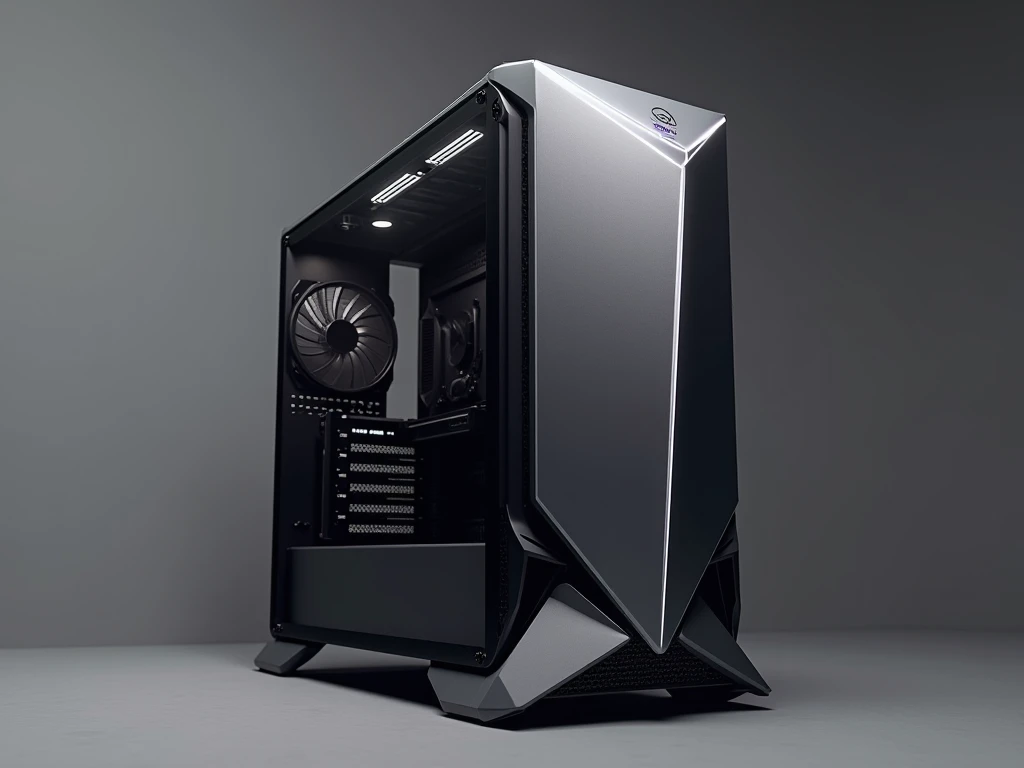
Modern gaming continues to demand more from PC hardware, with larger worlds, advanced lighting, detailed textures, and increasingly complex graphics.
For enthusiasts who want a powerful desktop capable of handling demanding workloads, an RTX 5090 PC offers a high-end foundation. It combines NVIDIA’s latest graphics architecture with the right supporting hardware to create a system built for serious performance. The RTX 5090 is designed for gamers who want to explore demanding titles with advanced graphical settings. It is also suitable for users working with video editing, 3D rendering, AI applications, and other GPU-intensive tasks. However, the graphics card is only one part of a powerful computer.
A balanced processor, fast memory, reliable storage, cooling, and power delivery are equally important. Choosing the right combination can help you build a system that remains capable across gaming and professional workloads.
Why Choose an RTX 5090 PC?
The NVIDIA GeForce RTX 5090 is based on NVIDIA’s Blackwell architecture and is positioned at the top end of the RTX 50 Series. It introduces advanced GPU capabilities designed for demanding gaming and professional workloads.
One of its major advantages is support for modern AI-powered rendering technologies. DLSS 4 can improve supported gaming experiences through advanced upscaling and frame-generation technologies. Ray tracing also enables more realistic lighting, reflections, and shadows in compatible games.
An RTX 5090 PC is therefore more than a traditional gaming machine. It can serve as a powerful workstation for users who need substantial GPU performance for creative applications and other demanding software.
RTX 5090 PC for High-End Gaming
For gaming enthusiasts, graphics quality and responsiveness are often major priorities. Modern AAA games can place considerable demands on a GPU, particularly when ray tracing, high-resolution textures, and advanced visual effects are enabled.
An RTX 5090 system gives users considerable performance headroom for demanding gaming configurations. Depending on the game and settings, it can be paired with high-resolution and high-refresh-rate displays to create an immersive gaming environment.
Competitive players can also benefit from a powerful setup by adjusting graphics settings toward responsiveness and high frame rates. Meanwhile, players who prefer cinematic single-player games can focus on higher graphical detail and advanced effects.
The actual gaming experience will depend on the title, resolution, settings, CPU, memory, drivers, and display, so the graphics card should always be considered as part of the complete system.
Select a Powerful CPU for a Balanced Build
Pairing an RTX 5090 with an appropriate processor is essential. A very powerful GPU can be limited by an unsuitable CPU in workloads where the processor has a major influence on performance.
Modern AMD Ryzen and Intel Core processors can provide strong options for a high-end configuration. The ideal choice depends on your primary use. A gaming-focused system may prioritize strong gaming performance, while a workstation used for rendering, editing, streaming, and multitasking may benefit from additional multi-core capability.
Instead of choosing components individually, consider how the CPU and GPU will work together. A balanced configuration can help you get more consistent results across different applications.
Fast DDR5 Memory for Demanding Applications
RAM is another important part of an enthusiast-level PC. Gaming, streaming, video editing, 3D applications, and multitasking can all consume system memory.
DDR5 memory is a natural choice for a modern high-end platform when supported by the selected motherboard and processor. The ideal capacity depends on your workload. Gamers may have different requirements from professionals working with large video files, complex 3D projects, or multiple demanding applications.
Before purchasing memory, check the motherboard’s supported capacity and memory specifications. Leaving room for future expansion can also make the system easier to upgrade later.
High-Speed NVMe Storage for Games and Projects
Large games and creative projects can quickly consume storage space. A fast NVMe SSD provides responsive storage for your operating system, applications, games, and project files.
For an RTX 5090 PC, storage capacity is especially important if you plan to install multiple large games or work with high-resolution video and 3D assets. Instead of choosing a drive based only on speed, consider capacity and how you organize your files.
A motherboard with additional M.2 slots can also provide useful expansion options. You can begin with a primary SSD and add additional storage as your game library or professional workload grows.
Cooling Is Essential for High-End Hardware
High-performance components generate significant heat under demanding workloads. Proper cooling is therefore an important part of building a reliable RTX 5090 system.
Start with a case that provides good airflow and enough physical space for your components. The graphics card should fit comfortably without restricting airflow, while the CPU should have an appropriate cooling solution.
Case fans should be positioned to create an effective airflow path. Depending on the processor and workload, a capable air cooler or liquid cooling solution may also be appropriate.
Good cooling is not simply about achieving low temperatures. It also helps maintain consistent operation during extended gaming sessions and intensive workloads.
Choose the Right Power Supply
Power delivery deserves special attention in a high-end gaming PC. The RTX 5090 is a high-performance GPU, so the power supply must be selected according to the requirements of the graphics card and the rest of the system.
Check the specific GPU manufacturer's power recommendations and make sure the PSU provides appropriate wattage and connectors. A quality power supply from a reputable manufacturer is preferable to choosing a unit based solely on its advertised wattage.
It is also worth considering future upgrades when selecting the PSU. Adequate headroom can make it easier to modify the system later without replacing the power supply.
RTX 5090 PC for Content Creation
Gaming is only one area where a powerful GPU can be useful. An RTX 5090 PC can also be an excellent platform for compatible creative workloads.
Video editors can benefit from GPU acceleration in supported software, while 3D artists can use GPU rendering for compatible applications. Designers, animators, and other professionals can also take advantage of GPU-intensive features where supported.
For these workloads, however, do not overlook RAM and CPU performance. Large projects may require substantial memory and storage, while certain applications rely heavily on processor performance. The best workstation is one where every major component matches the workload.
How to Choose an RTX 5090 PC in the UAE
When shopping for a high-end gaming PC in the UAE, compare the complete specification rather than focusing only on the GPU. Two computers can both contain an RTX 5090 while offering very different overall performance and component quality.
Check the exact processor, RAM capacity, SSD configuration, motherboard, cooling solution, power supply, case, and warranty. It is also important to verify the specific RTX 5090 model and its physical dimensions.
Budget Gamer can be considered when comparing gaming PC configurations and hardware options. Before purchasing, review the complete specification and make sure the system matches your preferred games, applications, monitor, and upgrade plans.
Build for Future Upgrades
A good high-end PC should not only perform well today; it should also provide room for future changes. Depending on the motherboard and case, you may be able to add more RAM, install additional SSDs, or upgrade selected components later.
Look at the number of RAM slots, M.2 connections, PCIe expansion options, case dimensions, and PSU capacity before finalizing your build. Planning these details early can save money and make future upgrades easier.
Frequently Asked Questions
Is an RTX 5090 PC good for 4K gaming?
The RTX 5090 is designed for demanding gaming workloads and is well suited to high-resolution gaming. Actual performance depends on the game, graphics settings, CPU, display, drivers, and other system components.
Can an RTX 5090 PC be used as a workstation?
Yes. It can support demanding applications such as video editing, 3D rendering, animation, and other GPU-accelerated workloads. The appropriate CPU, RAM, and storage should be selected according to the software you use.
What should I look for when buying an RTX 5090 PC?
Look beyond the GPU. Check the processor, RAM, NVMe storage, motherboard, cooling, PSU, case compatibility, and warranty. A balanced configuration is more valuable than simply having a powerful graphics card.
Conclusion
An RTX 5090 PC is designed for users who expect exceptional performance from their desktop. From demanding gaming and high-resolution graphics to video editing, 3D rendering, and other intensive applications, the RTX 5090 provides a powerful foundation. To make the most of it, combine the GPU with a capable CPU, sufficient DDR5 memory, fast NVMe storage, effective cooling, and dependable power delivery. A carefully balanced build can provide the performance and flexibility needed for both current workloads and future upgrades.

 English
 Arabic
 French
 Spanish
 Portuguese
 Deutsch
 Turkish
 Dutch
Dutch
 Italiano
 Russian
 Portuguese (Brazil)
 Greek
Greek
 Bengali