


Speed Up File Setup by Building Folder Structures in One Go
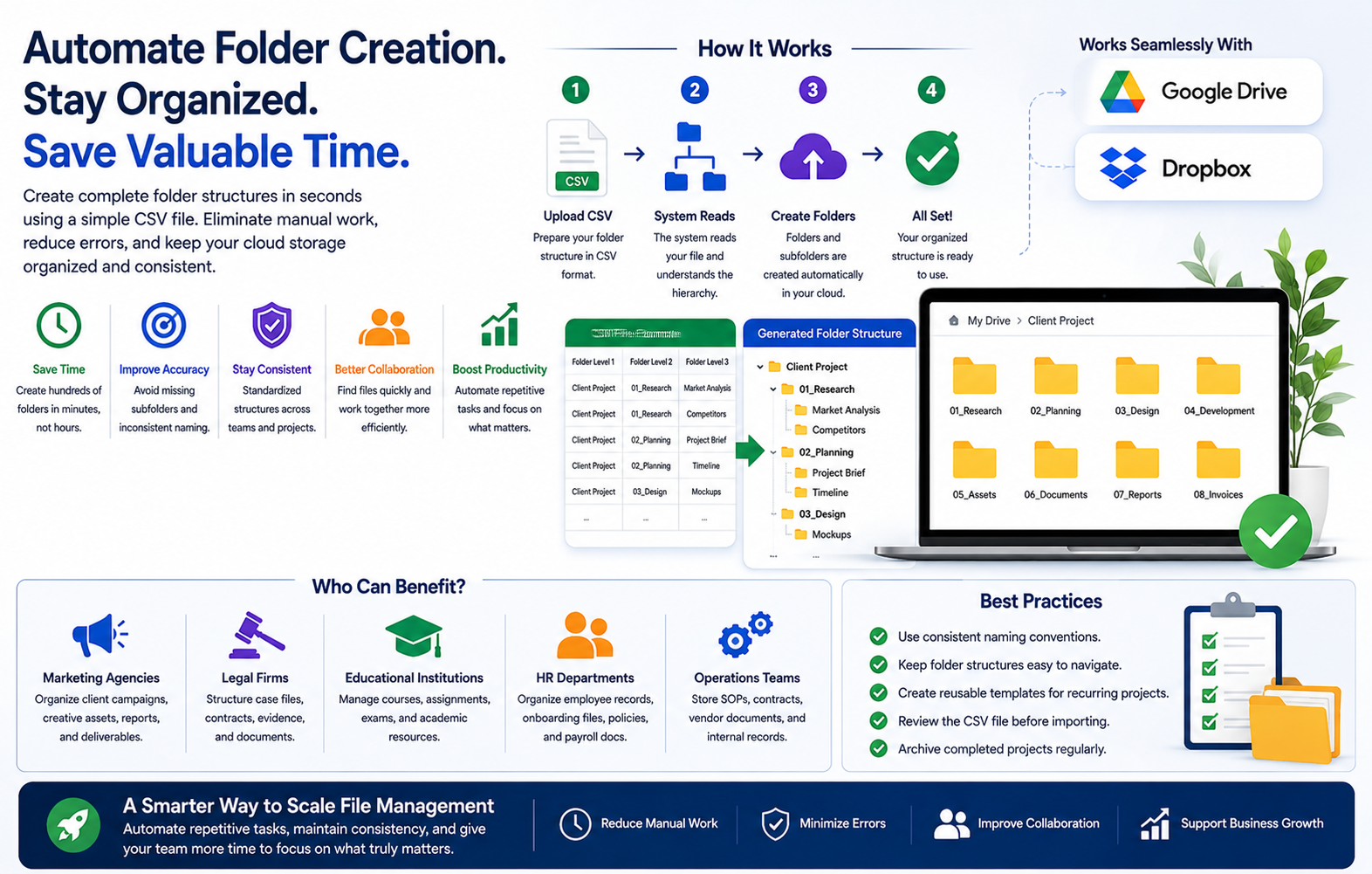
As businesses grow, digital storage often becomes harder to manage than expected. What starts as a simple folder system can quickly turn into a cluttered workspace filled with inconsistent names, missing subfolders, and documents saved in the wrong place. This usually happens when folders are created only when needed instead of being planned as part of a repeatable process. The result is a file system that slows down teams instead of supporting them.
For businesses that handle ongoing projects, client work, employee records, or operational documents, setting up folders manually every time is not the best use of time. Repeating the same structure again and again adds unnecessary admin work and increases the chance of mistakes. A more efficient approach is to create a complete folder structure from the beginning so every project starts with the same organized setup.
Why repeatable folder systems matter
A strong folder structure is one of the simplest ways to improve digital organization. When every project, client, or department follows the same setup, it becomes much easier for teams to know where files belong. Instead of asking where invoices should go or which folder contains approvals, everyone can follow the same structure and work more confidently.
Repeatable folder systems help businesses:
-
reduce time spent searching for documents
-
keep project files organized from day one
-
improve collaboration between teams
-
make onboarding easier for new employees
-
support consistent document management across departments
This kind of structure is especially valuable for businesses that work with large numbers of files across cloud storage platforms.
The downside of building folders one by one
Manual folder creation is not only slow, it also creates inconsistency. One employee may build a full set of subfolders, while another may skip important categories or use a different naming style. Over time, these small differences make the entire storage system harder to manage.
For example, a business may need folders for contracts, reports, assets, invoices, approvals, and archived documents every time a new client is added. If this setup is recreated manually for every account, the process becomes repetitive and prone to errors. The same applies to HR records, finance documentation, training materials, and internal operations files.
That is why many teams look for ways to create multiple folders at once instead of handling them one by one. It saves time, improves consistency, and reduces the risk of missing important parts of the folder structure.
Where this is most useful in daily operations
The ability to create an entire folder system in one step is helpful across many industries and departments. Some common examples include:
Client onboarding
Service businesses can prepare a full set of folders for contracts, deliverables, billing, and communication.
Employee documentation
HR teams can standardize folders for onboarding forms, policies, payroll files, and training records.
Project execution
Operations teams can build the same structure for planning, approvals, working files, and final deliverables.
Financial management
Finance departments can organize invoices, receipts, reports, and tax records in a consistent format.
What makes a folder structure practical
A useful folder structure should be easy to follow and flexible enough to support growth. It should reflect how the team actually works rather than becoming a complicated system that only one person understands.
A practical setup usually includes:
-
clear folder names for each category
-
consistent subfolders for recurring files
-
separate areas for active and archived work
-
a naming pattern for projects, clients, or dates
-
enough structure to keep files organized without creating confusion
Better organization starts with a smarter setup process
The quality of a business file system is not just about where files are stored. It is also about how that structure is created in the first place. When teams move away from manual folder setup and start using a more consistent approach, they save time, reduce errors, and build a storage system that can grow with the business instead of slowing it down.

 Arabic
 French
 Spanish
 Portuguese
 Deutsch
 Turkish
 Dutch
Dutch
 Italiano
 Russian
 Romaian
 Portuguese (Brazil)
 Greek
Greek
 Bengali