


Top 10 SD-WAN Troubleshooting Scenarios Every Network Engineer Should Know
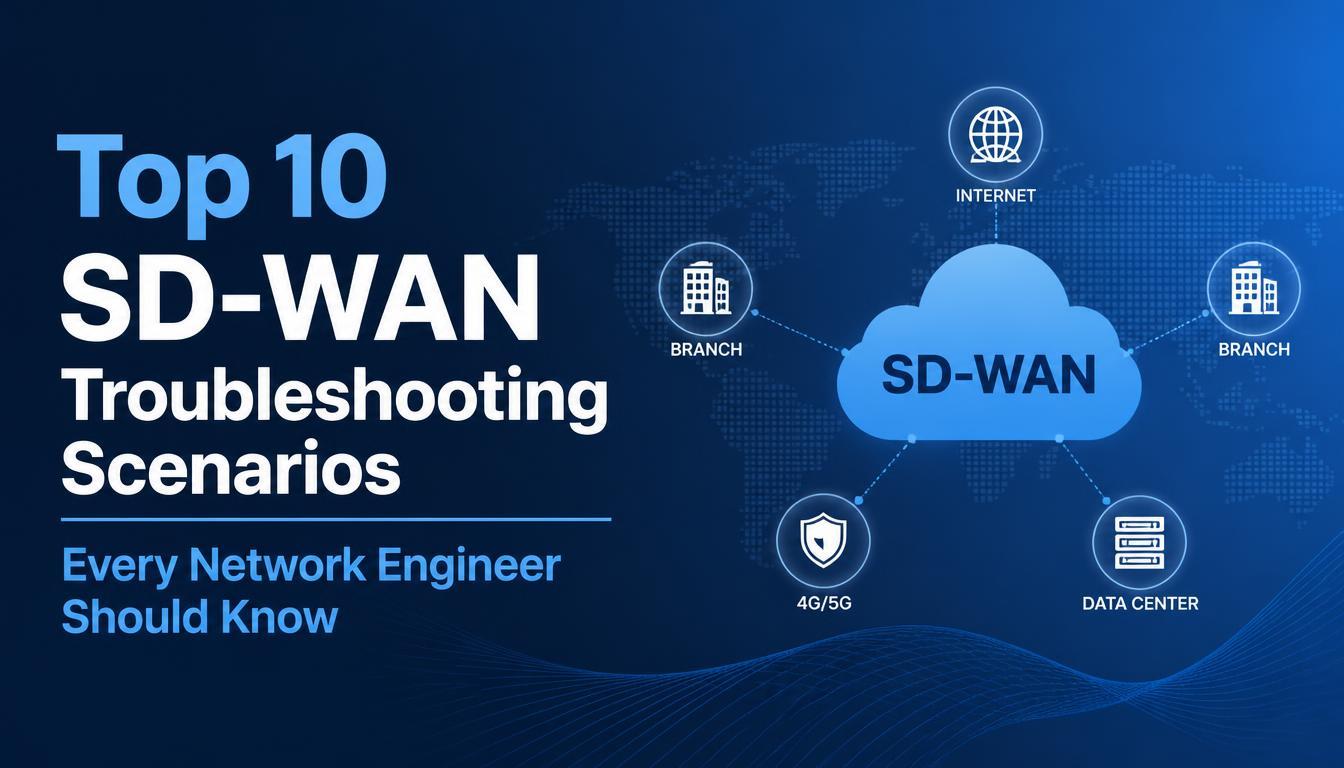
Software-Defined Wide Area Networking (SD-WAN) has changed how organizations manage connectivity between branch offices, data centers, and cloud applications. It enables centralized network management, intelligent traffic routing, and improved visibility into network performance. However, network engineers may still face challenges such as tunnel failures, high latency, packet loss, and application connectivity issues that require systematic troubleshooting.
Understanding these challenges is essential for maintaining network reliability and minimizing downtime. Professionals looking to improve their networking knowledge can benefit from SDWAN Training, which introduces essential concepts such as traffic management, network monitoring, and fault isolation. Learning how to identify common SD-WAN issues and implement appropriate solutions helps network engineers maintain secure, reliable, and efficient enterprise networks.
1. SD-WAN Tunnel Connectivity Issues
SD-WAN tunnels provide secure communication between network devices and remote locations. When tunnels fail, users may lose access to business applications and internal resources.
Common Causes and Solutions
Tunnel failures can result from incorrect endpoint configurations, IPsec authentication errors, expired certificates, or firewall restrictions. Internet connectivity problems can also prevent tunnels from establishing.
Engineers should check tunnel status, verify endpoint reachability, review authentication settings, and examine device logs. Confirming that the underlying WAN connection is operational can help isolate the source of the problem.
Prevention tip: Monitor tunnel availability and configure alerts for unexpected disconnections.
2. High Latency and Poor Application Performance
High latency can affect video conferencing, voice calls, cloud applications, and remote desktop sessions. Although SD-WAN supports intelligent path selection, performance problems can persist when links are congested or routing policies are incorrectly configured.
Common Causes and Solutions
Network congestion, inefficient routing, long-distance paths, and overloaded devices are common causes. Incorrect application classification can also prevent traffic from using the most suitable connection.
Engineers should measure latency, jitter, packet loss, and bandwidth utilization across available WAN links. Reviewing application-aware routing policies can help determine whether traffic is following the intended path.
Prevention tip: Establish application-specific performance thresholds and monitor network performance regularly.
3. Packet Loss Across WAN Links
Packet loss occurs when data packets fail to reach their destination. It can cause interrupted calls, slow file transfers, and inconsistent application performance.
Common Causes and Solutions
Congested circuits, faulty cables, interface errors, provider-side problems, and incorrect quality-of-service settings can contribute to packet loss.
Check interface counters for dropped packets and physical errors. Compare packet-loss measurements across WAN links and use diagnostic tools such as ping and traceroute to investigate connectivity. If the problem originates with the service provider, share relevant measurements and timestamps with its support team.
Prevention tip: Track packet-loss trends to identify recurring congestion and infrastructure faults.
4. Incorrect SD-WAN Traffic Steering
Traffic steering determines which WAN connection carries specific application traffic. Incorrect policies can direct business-critical applications through congested or unsuitable network paths.
Common Causes and Solutions
Policy conflicts, incorrect application identification, unsuitable link-quality thresholds, and rule-precedence issues can cause unexpected routing decisions.
Review the application classification rules and verify the intended forwarding path. Check whether latency, jitter, and packet-loss thresholds are configured appropriately. Also confirm whether routing preferences or security policies override the expected path selection.
Prevention tip: Document routing policies and test configuration changes before deploying them across multiple sites.
5. SD-WAN Failover Problems
Failover allows SD-WAN systems to move traffic to an alternative WAN connection when the primary link becomes unavailable or performs poorly. When failover does not work correctly, users may experience extended service interruptions.
Common Causes and Solutions
Incorrect health checks, unavailable backup links, routing errors, and unsuitable failure-detection thresholds can prevent effective failover.
Engineers should verify health-check settings and ensure that backup connections are operational. Test whether the system detects upstream failures even when the physical interface remains active. Review event logs to understand when the failure was detected and whether traffic moved to the backup path.
Prevention tip: Conduct controlled failover tests and document expected recovery times.
6. Firewall and Security Policy Issues
Firewall rules protect enterprise networks, but incorrect security configurations can block legitimate traffic between branches, data centers, and cloud services.
Common Causes and Solutions
Missing access-control rules, incorrect IP addresses, blocked application ports, and NAT configuration errors can interrupt connectivity.
Identify the affected traffic flow and review firewall logs for denied connections. Verify source and destination addresses, ports, security zones, and NAT translations. For centrally managed environments, confirm that the intended policies have been deployed successfully.
Avoid disabling security controls unnecessarily. Use targeted tests and approved configuration changes to resolve the issue.
Prevention tip: Review security policies regularly and maintain clear documentation of approved changes.
7. Routing Problems Between Branches and Data Centers
Routing problems can prevent users from accessing internal resources even when SD-WAN tunnels are operational. These issues often involve missing routes, incorrect next hops, or overlapping IP address ranges.
Common Causes and Solutions
Incorrect BGP or OSPF configurations, withdrawn routes, route redistribution errors, and asymmetric routing can disrupt communication.
Check routing tables at both ends of the connection and confirm that the destination network is reachable. Review routing adjacencies, advertised prefixes, and next-hop information. Investigate whether overlapping subnets or return-path differences are affecting traffic.
Prevention tip: Maintain consistent IP addressing plans and monitor routing changes.
8. DNS Resolution Failures
Domain Name System (DNS) problems can make applications appear unavailable even when network connectivity is working. Users may be unable to access services by hostname while direct IP connectivity remains possible.
Common Causes and Solutions
Unreachable DNS servers, incorrect resolver settings, firewall restrictions, and misconfigured DNS forwarding can cause resolution failures.
Use tools such as nslookup or dig to test hostname resolution. Compare results from affected and unaffected locations. Verify DNS server addresses, connectivity to resolvers, and policies governing internal and external domains.
Prevention tip: Monitor DNS response times and maintain redundant DNS resolvers when appropriate.
9. Device Registration and Orchestration Failures
SD-WAN devices often rely on controllers or orchestrators for onboarding, configuration delivery, and centralized management. Registration failures can prevent devices from joining the network or receiving updated policies.
Common Causes and Solutions
Incorrect credentials, certificate problems, DNS failures, time-synchronization issues, and blocked management traffic can interfere with registration.
Verify basic connectivity, system time, device identity, and certificate validity. Review onboarding logs and confirm that the required management endpoints are reachable. If registration succeeds but configuration updates fail, inspect policy deployment status and synchronization logs.
Prevention tip: Track certificate expiration dates and validate onboarding requirements before deployment.
10. WAN Bandwidth Saturation and QoS Misconfiguration
Limited bandwidth and incorrect quality-of-service (QoS) settings can affect application performance when multiple services compete for network resources.
Common Causes and Solutions
Large file transfers, cloud backups, increased application usage, and unsuitable traffic-prioritization rules can cause congestion.
Review bandwidth utilization and identify applications consuming excessive capacity. Inspect traffic classification, scheduling, shaping, and policing settings. Ensure that business-critical applications receive appropriate priority without unnecessarily restricting other services.
If congestion occurs regularly, consider traffic optimization, scheduling nonessential transfers outside peak hours, or increasing circuit capacity.
Prevention tip: Use capacity planning and application-aware QoS policies to maintain consistent performance.
Best Practices for Effective SD-WAN Troubleshooting
A structured troubleshooting approach helps network engineers identify problems efficiently and reduce the risk of introducing additional issues.
Follow a Systematic Troubleshooting Process
-
Identify the symptoms: Determine which users, applications, and locations are affected.
-
Check basic connectivity: Verify interfaces, IP addressing, and DNS resolution.
-
Review network telemetry: Examine latency, jitter, packet loss, and bandwidth utilization.
-
Inspect configurations: Check routing, security policies, tunnels, and traffic-steering rules.
-
Isolate the root cause: Determine whether the problem originates in the local network, WAN circuit, SD-WAN overlay, or application.
-
Apply targeted fixes: Make controlled changes and document the results.
-
Verify recovery: Confirm that connectivity and application performance have returned to expected levels.
Hands-on labs, monitoring tools, and realistic fault scenarios can help professionals develop these troubleshooting skills and apply them in enterprise environments.
Conclusion
SD-WAN troubleshooting requires a solid understanding of networking fundamentals, routing, security, application performance, and traffic management. Tunnel failures, high latency, packet loss, incorrect traffic steering, failover problems, firewall restrictions, routing errors, DNS failures, orchestration issues, and bandwidth saturation are ten important scenarios network engineers should know.
By following a systematic troubleshooting process, monitoring network performance, and documenting configuration changes, organizations can improve reliability and minimize downtime. Professionals exploring an SDWAN course can strengthen their understanding of these concepts and develop practical skills for managing modern enterprise networks.

 English
 Arabic
 French
 Spanish
 Portuguese
 Deutsch
 Turkish
 Italiano
 Russian
 Romaian
 Portuguese (Brazil)
 Greek
Greek
 Bengali