


How School Mobile Apps Are Quietly Fixing Parent Communication
Ask any parent what their child's school is like, and they'll rarely start with the syllabus.
They'll tell you about the admission process that took three visits. The fee receipt that went missing. The circular they found crumpled at the bottom of a school bag two days after the event. In the morning they had no idea their child never reached the classroom. That's the real parent experience and most of it happens outside the classroom entirely.
For decades, schools have managed this with diaries, printed notices, phone calls and WhatsApp groups that nobody can mute. Those methods aren't useless. They're just stretched far past what they were built to handle.
Parents now expect answers when they need them, not when the office reopens. Teachers want to share an update once, not repeat it to fourteen callers. Administrators want communication that lives in one place instead of leaking across five channels.
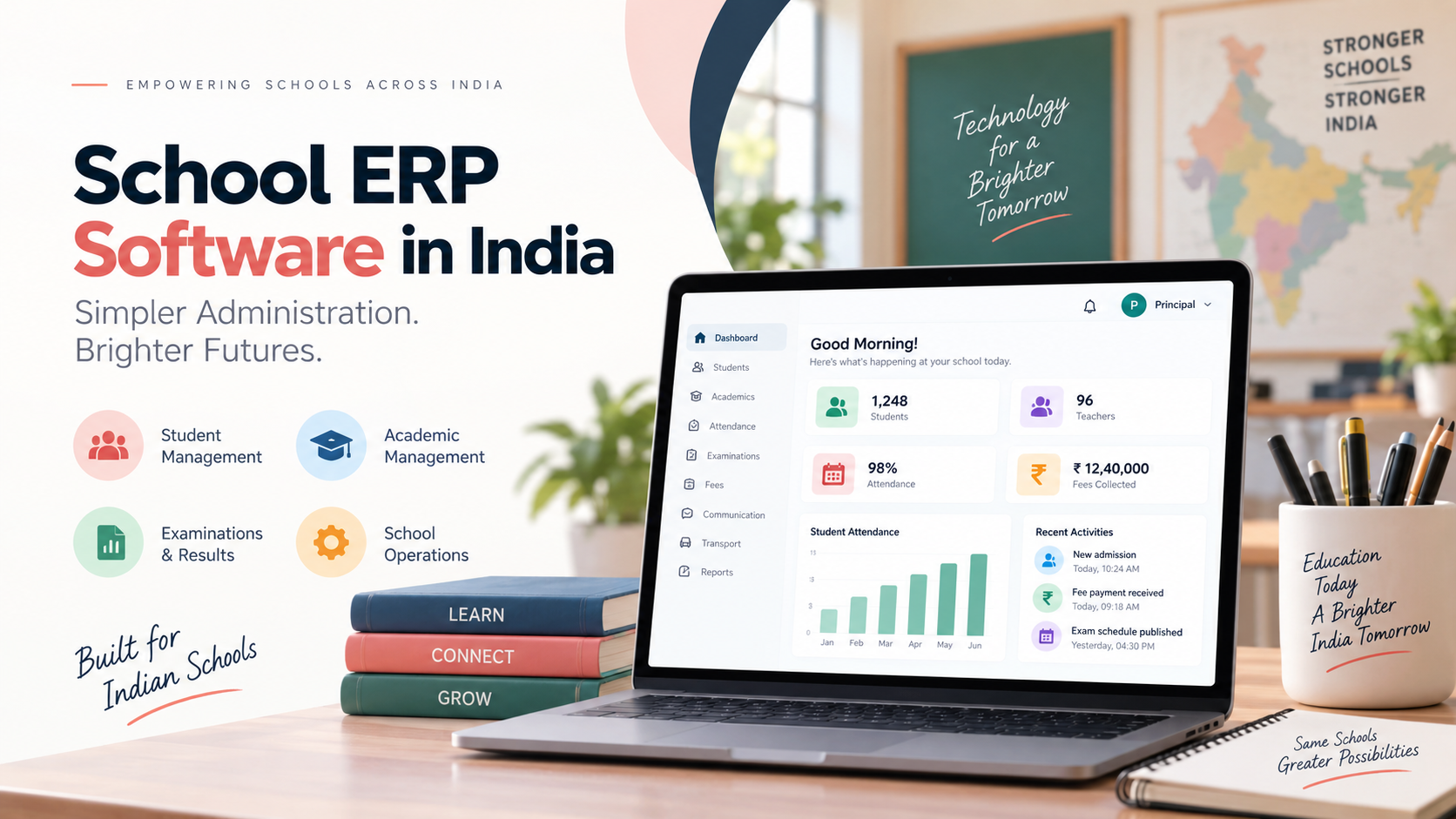
This is exactly the gap a school mobile app is meant to close. And when that app sits on top of a proper School ERP & LMS Software platform, it stops being a notice board and starts being the daily link between your school and every family in it. Book a free One Flawless ERP demo and see the difference for yourself.
The Problem Isn't Any Single Update. It's All of Them Together.
Picture one ordinary Tuesday. A student is absent. The class teacher marks attendance at 8:15 am. The parent, who dropped the child at the gate, has no idea whether that absence was recorded or whether the child simply skipped the first period.
By 11 am, homework goes up on the board. At noon, the exam datesheet is finalised. In the afternoon, fees for the next quarter fall due. Before the day ends, a circular goes out about Saturday's sports event. Not one of those things is complicated on its own.
But multiply each one by 800 students and 30 teachers, and route it through phone calls, printed slips and group chats, and you've created a full-time job nobody applied for. The front office becomes a call centre. The class teacher becomes a message forwarder. And parents still end up asking, "Was there a circular? I didn't get it."
Bringing all of it into a single connected environment isn't a luxury upgrade. It's what stops the day from unravelling.
A School App Should Let People Do Things, Not Just Read Things
Plenty of school apps are glorified digital notice boards. They display announcements. That's it. Useful, sure. But it wastes most of what a phone in a parent's hand can actually do.
A genuinely capable school mobile application lets people act. Parents should be able to:
-
Check attendance the same morning it's marked
-
Open today's homework without hunting for a diary
-
View examination results the moment they're published
-
Pay fees from home, at 11 pm if that's when they're free
-
Read circulars and notices in one feed
-
See the timetable
-
Track the school bus
Students get their assignments, schedules and academic updates. Teachers manage classroom activity. Administrators push out what matters, to exactly the right group.
One Flawless provides separate app access for administrators, students, parents and transport staff, covering notifications, attendance, homework, online fee payments, exam results, transport updates, e-diary and circulars.
That's the difference between an app your school has and an app your school actually runs on.
Attendance: The Fastest Win You'll Get
If you want one feature that changes how parents feel about your school within a week, it's live attendance.
In the old setup, a parent finds out about an absence when someone from the office finds a free minute to call or worse, at dinner, from the child. Neither inspires confidence.
With connected attendance, the notification reaches the parent minutes after the register is marked.
The value goes well beyond convenience. Parents who see attendance regularly stay closer to their child's routine, and patterns get spotted early instead of at the term-end review. Meanwhile, your front desk stops fielding the same question forty times a week.
Homework Shouldn't Depend on Whether the Diary Came Home
School diaries have done honest work for a long time. They also get forgotten, lost, half-filled and occasionally "accidentally" left in a desk.
Digital homework simply gives everyone a second reliable copy. Teachers post instructions once. Students refer back to them that evening, or the next day, or on Sunday night when panic sets in.
It matters most for the child who was absent. Instead of calling three classmates to piece together what was assigned, they open the app and see it. Nobody falls behind because of a missed day.
Exam Season Without the Phone Calls
Every school knows what the fortnight before exams sounds like. When are the exams? Which chapters? Which subjects on which day? When do the results come out? Can I collect the report card on Saturday?
A connected app answers all of that from one screen. Once results are published through the school's system, authorised parents and students see them directly, no printed copies, no queue outside the office, no repeat calls. Quieter exam season. Calmer staff. Fewer parents feel left out of the loop.
Online Fee Payments Remove a Trip Nobody Enjoys
Fees are where friction turns into frustration fastest. A working parent can't always reach the school between 10 am and 2 pm. So payments get delayed, reminders get sent, follow-ups pile up, and a routine transaction becomes an awkward conversation. Secure in-app payment removes the trip entirely. Parents pay when it suits them and get an instant receipt.
Your accounts team benefits just as much. Because the payment data flows straight into the school's financial records, there's no second register to reconcile and no gap between "paid" and "recorded". That's the kind of thing only a properly integrated system can do and it's a core reason schools shortlist Student Management Software in India rather than buying a standalone app.
More Notifications Doesn't Mean Better Communication
This is the mistake most schools make in month one. Send parents everything, all the time, and they'll stop reading any of it. The urgent alert about a bus breakdown ends up buried under the fourth reminder about a poster-making competition.
Sort your communication into clear categories and the whole thing becomes readable again:
- Urgent Alerts: Attendance issues, emergency notices, transport changes.
- Academic Updates: Homework, assignments, exam schedules, results.
- Administrative Information: Fees, documents, deadlines, school processes.
- Community Updates: Events, activities, achievements, celebrations.
When parents can tell at a glance what needs action and what's just nice to know, they start trusting your notifications again. That trust is the whole point.
Give Parent-Teacher Conversation Some Structure
Parent-teacher communication is the most valuable relationship your school has. It's also the one most likely to spill into personal WhatsApp numbers at 10:30 pm.
A dedicated communication portal fixes that by giving the conversation a proper home. One Flawless's portal lets parents, teachers, students and administration interact in a controlled environment, with access to attendance, homework, exam schedules, activities, leave applications and report cards in the same place.
Teachers get their evenings back. Parents get answers on record. Everyone gets a conversation that's actually traceable.
What This Looks Like From the Admin Office
Parents aren't the only ones who gain here.
Administrators spend a surprising share of the day just moving information between departments checking with accounts, confirming with transport, chasing a teacher for marks, then relaying all of it outward.
A connected platform pulls that into one workspace. Send updates, monitor what's happening, review reports, manage operations. No switching between four tools and a WhatsApp group. As your school grows, that consolidation stops being convenient and starts being necessary.
Integration Matters More Than the App Itself
Here's the honest truth most vendors won't lead with: a mobile app is only as good as the data behind it.
If attendance is entered manually and appears three days later, the app is decorative. If a parent pays fees and the app still shows a due balance, you've created a support ticket, not a solution. If transport screens aren't connected to actual routes, parents will simply stop opening that tab.
The interface can look beautiful and the experience will still feel broken.
This is why the app should never be evaluated as a separate purchase. It's the visible surface of your School ERP Software, and it inherits whatever is underneath it — good or bad.
Students Deserve Their Own Access
Give students their own login and something useful happens: they start managing themselves.
Depending on how your school configures it, students can access timetables, assignments, homework, exam information, results, academic updates and notices.
Instead of every query routing through a parent, older students take ownership of their own schedule. That's a small habit with a long payoff.
Transport Is Where Parents Feel It Most
Nothing generates anxiety quite like a school bus running twenty minutes late in traffic with no explanation.
A mobile system connected to GPS tracking turns that anxiety into information. One Flawless includes GPS among its integrations and delivers transport visibility through the same app parents already use.
Parents stop calling the office to ask where the bus is. Transport in-charges get real oversight of routes and timings instead of relying on driver phone calls. It's one of the fastest ways to make families feel your school has things under control.
Simple Beats Impressive
A school app doesn't need to look sophisticated. It needs to be obvious.
Most parents open it two or three times a week. They should never need training to find attendance, homework or a fee receipt. The important things belong on the first screen. Navigation should be predictable. Notifications should say what they mean. Payment should take under a minute. Pages should load on an average phone with an average connection.
Your users range from a software engineer to a grandparent checking on a pickup. Design for the second one and the first will be fine.
Seven Questions to Ask Before You Sign
Screenshots sell. Answers don't lie. Ask these before committing:
-
Who can use it? Are there genuine role-based logins for parents, students, teachers, administrators and transport staff or one login pretending to be five?
-
Can users actually do things? Or does it only display information someone else typed in?
-
Is it connected to the ERP? Data should flow automatically from the core system into the app. Confirm this specifically.
-
How are payments handled? Which gateway, what security, how fast does reconciliation happen?
-
Can you segment communication? Class 3 parents and Class 12 parents don't need the same messages.
-
Is transport covered? If you run buses, GPS and route management aren't optional.
-
Will it scale? It should still work smoothly at 3,000 students and 200 staff.
Any vendor claiming the Best School Mobile App in India should be able to answer all seven without hesitating.
What Actually Changes When It Works
Technology won't replace a good relationship between a school and its parents. But it removes an enormous amount of pointless friction.
Parents stop chasing information they should already have. Teachers stop repeating administrative answers and get back to teaching. Administrators gain control over what gets communicated, to whom, and when.
That's not a small operational improvement. It changes how your school feels to the people who chose it.
Mistakes Worth Avoiding
-
Don't build an app just to have one: If it doesn't solve a real communication problem, parents will install it, ignore it, and eventually delete it.
-
Don't flood parents with alerts: Relevance beats volume every single time.
-
Don't ignore teachers: They're your primary users. If marking attendance takes longer than the paper register, adoption dies in week two.
-
Don't treat mobile and ERP as separate projects: Disconnected systems produce disconnected experiences.
-
Don't skip training: Even a simple app needs a proper introduction, one session for staff, one clear guide for parents.
Where School Communication Is Heading
The direction is clear: from announcements pushed one way, to genuine two-way engagement.
Parents aren't just receiving information anymore. They're submitting leave applications, checking academics, paying fees, viewing results and raising queries directly. Students aren't passively receiving notices; they're managing their own academic information. Teachers aren't just recording marks; they're working inside a connected academic workflow. That's the real opportunity in modern school technology and it only exists when everything is joined up.
How the ERP Holds It All Together
Every good mobile experience is really an ecosystem working properly behind the scenes.
Admissions feed student records. Attendance feeds parent notifications. Examinations feed results. Fee systems feed payment status. Transport feeds live updates. Communication tools distribute all of it to the right people.
The One Flawless platform is built exactly this way, bringing admissions, academics, fees, attendance, examinations, transport and communication into one connected school management ecosystem with the mobile app as its front door.
Final Thoughts
Parents don't want more technology. They want fewer unnecessary phone calls, quicker access to information, and better visibility into their child's school life.
Teachers want tools that save time rather than adding to the workload. Administrators want communication that's organised instead of scattered. Students want information available when they need it. A well-built mobile app, properly connected to the school's core system, serves all four.
So if you're evaluating the Best School ERP Software for your school, don't stop at "does this ERP have a mobile app?"
Ask the better question:
"Will this make everyday communication between our school and our parents genuinely simpler?"
That's the standard worth holding vendors to. Because when mobile access, school operations and communication work as one, the technology becomes invisible. Parents just get their information. Teachers just do their work. Administrators just run the school.
Less friction, better communication, and more time for the thing that matters for education itself.

 Arabic
 French
 Spanish
 Portuguese
 Deutsch
 Turkish
 Dutch
Dutch
 Italiano
 Russian
 Romaian
 Portuguese (Brazil)
 Greek
Greek
 Bengali