


The Hidden Cost of Mouse-Heavy Workflows in Microsoft Office
A mouse makes computing feel intuitive, but convenience can hide an efficiency problem. When every formatting command, window change, or navigation task requires reaching for a mouse, small delays accumulate across an entire workday. One action may take only a few seconds, yet hundreds of repeated movements can create meaningful friction.
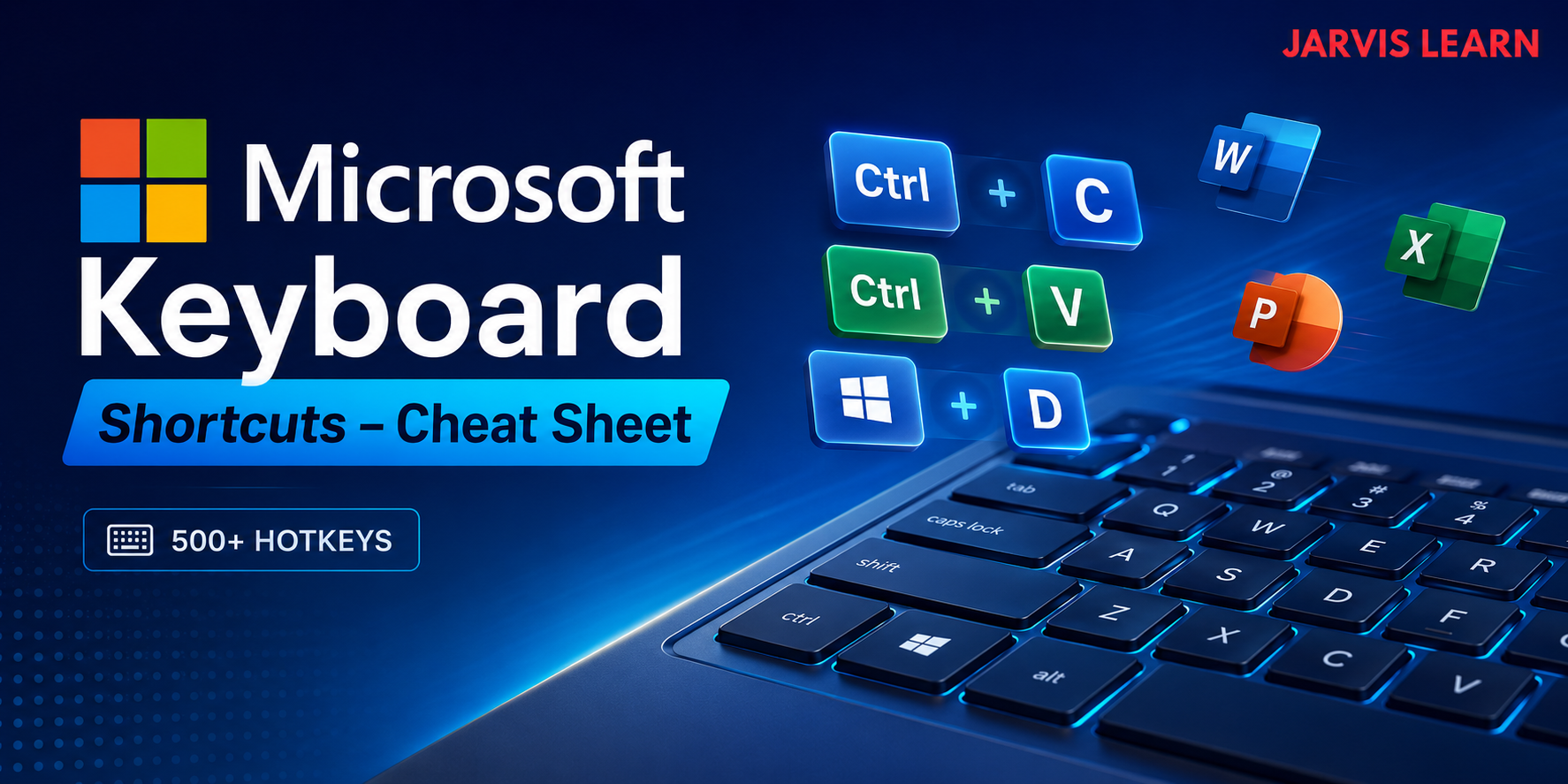
That friction becomes particularly noticeable in Microsoft Office. Employees frequently switch between documents, menus, spreadsheets, browsers, and communication tools while trying to maintain concentration. Learning Microsoft Keyboard Shortcuts can reduce unnecessary mouse movement and make common tasks more deliberate.
The issue is not that the mouse is inefficient in every situation. It is that relying on it for actions that can be completed instantly from the keyboard introduces interruptions that are easy to overlook.
Small Delays Become a Workflow Problem
Consider a typical document-editing task. A user selects text, reaches for the mouse, locates a formatting control, applies an option, returns to the document, and continues typing. If the same action is performed repeatedly, the time spent moving between the keyboard and mouse starts competing with the actual work.
The larger issue is workflow fragmentation.
Every physical transition between input devices can interrupt the rhythm of writing, editing, analysis, or data entry. Over time, that can contribute to:
- More frequent interruptions during focused work
- Slower navigation through large documents
- Repetitive hand and wrist movements
- Greater dependence on menus and interface controls
- Lost seconds across hundreds of routine actions
Keyboard shortcuts address many of these interruptions by keeping frequently used commands within immediate reach.
Where Microsoft Shortcuts Make the Biggest Difference
Not every shortcut deserves to become muscle memory. The greatest gains generally come from commands used dozens of times each day.
Document Editing
In Word, familiar commands such as copying, pasting, saving, undoing, finding text, and selecting content can be performed without leaving the keyboard. More specialized commands can also accelerate formatting and navigation.
For writers and editors, this matters because document work often involves repeated cycles of selecting, modifying, reviewing, and moving through text. Reducing interface navigation lets attention remain on the document itself.
Window and Desktop Management
Windows shortcuts can have an equally significant impact outside Office applications. Snapping windows, switching between applications, opening File Explorer, locking a computer, and moving between virtual desktops can all be handled through keyboard commands.
This becomes especially useful for people working across multiple monitors or applications. Instead of repeatedly searching for windows visually, users can establish predictable keyboard-based routines.
Productivity Is More Than Raw Speed
It is tempting to measure shortcuts only by how many seconds they save. That misses another advantage: consistency.
A keyboard-driven workflow can make routine actions more predictable. Once a shortcut becomes familiar, the user does not need to search through menus or remember where a particular command is located.
That consistency can be valuable when working under deadlines or handling repetitive administrative tasks.
For example, an employee preparing several reports might repeatedly open files, search for specific information, format sections, save revisions, and move between applications. A handful of familiar commands can reduce the number of interface decisions required throughout the process.
The Mouse Still Has a Role
A keyboard-first workflow does not mean abandoning the mouse.
Graphical interfaces remain useful for tasks involving visual selection, precise positioning, drawing, image manipulation, or unfamiliar features. The objective is not to replace one input method with another. It is to use the most efficient method for each task.
A practical approach is to identify recurring actions and ask three questions:
- Do I perform this task frequently?
- Does it require unnecessary menu navigation?
- Is there a keyboard command that accomplishes it directly?
If the answer is yes to all three, that command is a strong candidate for practice.
Building Keyboard Fluency Gradually
Trying to memorize hundreds of shortcuts at once is unlikely to produce lasting results. A more sustainable approach is to start with commands that correspond to existing habits.
Begin with everyday actions such as copy, paste, undo, save, search, select all, and application switching. Once those become automatic, introduce shortcuts for document formatting, window management, and more specialized Office functions.
The goal is not memorization for its own sake. It is developing enough keyboard fluency that common commands require little conscious thought.
That distinction matters. A shortcut becomes genuinely useful when the user stops thinking about the key combination and starts thinking about the task it accomplishes.
Turning Familiar Commands Into Better Habits
The hidden cost of mouse-heavy work is rarely one dramatic inefficiency. It is the accumulation of tiny interruptions that occur throughout the day.
Replacing every mouse action with a shortcut would be unnecessary. Replacing repetitive, predictable mouse actions with keyboard commands can be much more valuable.
For professionals who spend hours working in Word, Excel, Teams, Windows, or other Microsoft environments, keyboard fluency is ultimately a workflow skill. The payoff comes from fewer interruptions, more consistent navigation, and greater control over routine tasks.
A faster workflow does not always require working harder. Sometimes it starts with removing the unnecessary movements between the work and the tools used to complete it.
For more practical resources on workplace technology and digital skills, visit Jarvis Learn.

 Arabic
 French
 Spanish
 Portuguese
 Deutsch
 Turkish
 Dutch
Dutch
 Italiano
 Russian
 Romaian
 Portuguese (Brazil)
 Greek
Greek
 Bengali