


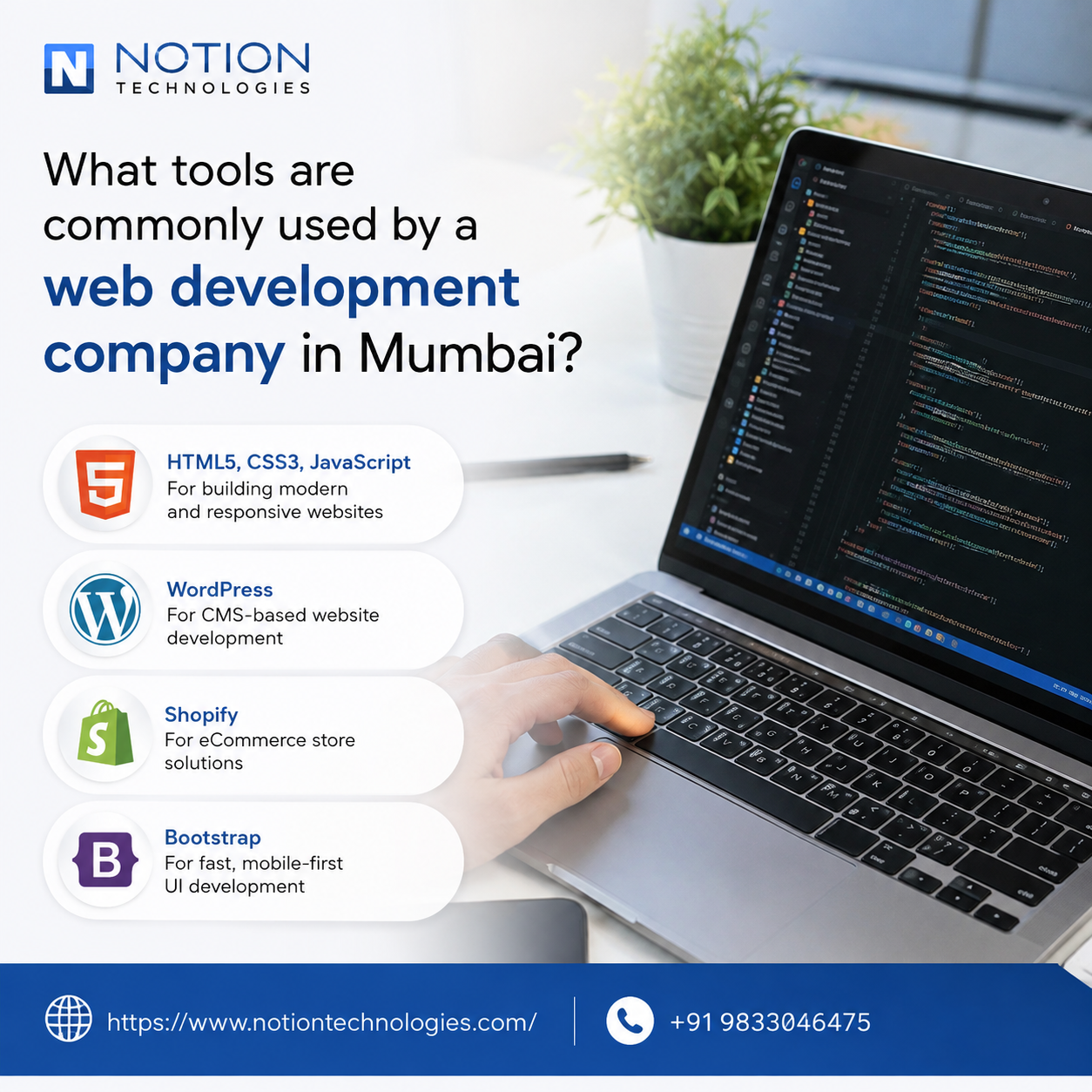
What Tools Are Commonly Used by a Web Development Company in Mumbai?
Introduction
Modern websites require more than basic coding. Professional web development involves planning, designing, coding, testing, deployment, security, performance optimization, and ongoing maintenance. A web development company in Mumbai commonly uses a combination of programming languages, frameworks, content management systems, databases, development environments, version-control platforms, testing tools, analytics solutions, and deployment technologies to build reliable websites and web applications. The exact tools depend on the project's requirements, technology stack, budget, scalability needs, and business objectives.
Using the right tools can improve development efficiency, code quality, website performance, collaboration, and long-term maintainability.
Understanding Web Development Tools
Web development tools are software platforms and technologies that help developers create, test, manage, and maintain websites.
They can be divided into several categories:
- Front-end development tools
- Back-end development technologies
- Database systems
- Code editors
- Version-control tools
- Design and prototyping tools
- Testing platforms
- Content management systems
- Deployment tools
- Performance monitoring tools
A development team selects tools according to the specific needs of each project.
Front-End Development Tools
Front-end development focuses on the parts of a website that visitors interact with directly.
Common technologies include:
- HTML
- CSS
- JavaScript
- TypeScript
HTML provides the structure, CSS controls presentation, and JavaScript adds interactive functionality.
These technologies form the foundation of most modern websites.
JavaScript Frameworks and Libraries
For advanced websites and web applications, developers may use JavaScript frameworks and libraries.
Common choices include:
- React
- Angular
- Vue.js
- Next.js
These technologies can help developers create interactive interfaces, reusable components, and scalable front-end applications.
The choice depends on project complexity, performance requirements, development expertise, and long-term maintenance needs.
CSS Frameworks
CSS frameworks can help developers create responsive and consistent interfaces.
Examples include:
- Bootstrap
- Tailwind CSS
- Foundation
These frameworks provide reusable styling components and responsive design utilities, helping teams build interfaces more efficiently.
Back-End Development Technologies
Back-end development manages server-side functionality and business logic.
Common programming languages and technologies include:
- PHP
- Python
- Java
- Node.js
- .NET
Each technology has different strengths and can be selected according to project requirements.
For example, Node.js can be useful for applications requiring JavaScript on the server, while PHP is widely used for content-driven websites and CMS-based projects.
PHP and WordPress
WordPress is one of the commonly used content management systems for business websites, blogs, and content-focused platforms.
It uses PHP as a core server-side technology.
Developers can customize WordPress through:
- Themes
- Plugins
- Custom code
- APIs
- Database integrations
WordPress can be suitable for businesses that need an easy-to-manage content platform.
E-Commerce Development Tools
Online stores require additional technologies for managing products, customers, payments, and orders.
Development teams may work with platforms such as:
- WooCommerce
- Shopify
- Magento
- Custom e-commerce solutions
The right platform depends on product volume, customization requirements, payment needs, integrations, and expected growth.
Database Management Systems
Web applications often require databases to store information.
Common database technologies include:
- MySQL
- PostgreSQL
- MongoDB
- Microsoft SQL Server
Relational databases such as MySQL and PostgreSQL organize information using structured tables, while MongoDB uses a document-oriented approach.
Code Editors and Development Environments
Developers use code editors and integrated development environments to write and manage code.
Popular options include:
- Visual Studio Code
- Sublime Text
- WebStorm
- IntelliJ IDEA
These tools provide features such as syntax highlighting, debugging, extensions, code navigation, and project management.
Version Control With Git
Git is widely used for tracking code changes.
It allows developers to:
- Record changes
- Create branches
- Compare versions
- Collaborate on code
- Restore previous versions
- Manage development workflows
Git helps teams work on complex projects without losing track of important code changes.
GitHub, GitLab, and Bitbucket
Developers often use online platforms to manage Git repositories.
Common platforms include:
- GitHub
- GitLab
- Bitbucket
These platforms support collaboration, code reviews, issue tracking, project management, and automated workflows.
UI/UX Design Tools
Designers use specialized tools to create website layouts and prototypes before development begins.
Popular platforms include:
- Figma
- Adobe XD
- Sketch
These tools help teams create:
- Wireframes
- Mockups
- Interactive prototypes
- Design systems
- UI components
Designers and developers can collaborate more effectively when visual specifications are clearly documented.
API Development Tools
Modern websites often connect with external services through APIs.
Developers may use tools such as:
- Postman
- Swagger
- Insomnia
These tools help teams create, test, document, and troubleshoot API integrations.
APIs can connect websites with services such as payment gateways, CRM systems, booking platforms, marketing tools, and third-party applications.
Testing Tools
Testing is an essential part of professional web development.
Developers may use tools for:
- Functional testing
- Unit testing
- Integration testing
- Browser testing
- Performance testing
- Security testing
Common technologies include Jest, Selenium, Cypress, and Playwright.
Testing helps identify problems before they affect users.
Browser Developer Tools
Modern browsers provide built-in developer tools.
Chrome DevTools and similar browser tools help developers inspect:
- HTML
- CSS
- JavaScript
- Network requests
- Page performance
- Console errors
- Responsive layouts
These tools are particularly useful for troubleshooting front-end problems.
Performance Optimization Tools
Website speed can influence user experience and overall website quality.
Developers may use tools such as:
- Google PageSpeed Insights
- Lighthouse
- WebPageTest
- Chrome DevTools
These tools can identify issues involving:
- Large images
- Slow resources
- JavaScript
- CSS
- Server response times
- Rendering performance
The findings can guide performance improvements.
Content Management Systems
Content management systems allow businesses to manage website content without modifying code for every update.
Common platforms include:
- WordPress
- Drupal
- Joomla
- Shopify
For custom requirements, developers may also build headless or custom CMS solutions.
Cloud and Hosting Platforms
Websites and applications require reliable hosting infrastructure.
Development teams may work with cloud platforms such as:
- Amazon Web Services
- Microsoft Azure
- Google Cloud
Cloud infrastructure can provide resources for hosting, databases, storage, application deployment, and scaling.
Deployment and CI/CD Tools
Continuous integration and continuous deployment tools can automate parts of the development and release process.
Teams may use:
- GitHub Actions
- GitLab CI/CD
- Jenkins
- Docker
Automation can help developers test and deploy code more consistently.
Containerization With Docker
Docker allows applications and their dependencies to run in standardized containers.
This can help teams:
- Create consistent development environments
- Reduce environment-related issues
- Simplify deployment
- Improve application portability
Docker can be particularly useful for larger development projects.
Security Tools
Website security should be considered throughout development.
Development teams may use tools and practices for:
- Vulnerability scanning
- Dependency monitoring
- Secure authentication
- Code analysis
- SSL configuration
- Access management
Security tools help identify potential weaknesses before they become serious problems.
SEO and Analytics Tools
Web development can also involve tools that help businesses monitor search visibility and user behavior.
Common platforms include:
- Google Search Console
- Google Analytics
- Google Tag Manager
These tools can provide insights into:
- Search performance
- Website traffic
- User behavior
- Conversion activity
- Technical search issues
Developers can use this information to improve website functionality and measurement.
Project Management and Collaboration Tools
Web development usually involves collaboration among developers, designers, content teams, SEO professionals, and clients.
Project management platforms may include:
- Jira
- Trello
- Asana
- Slack
These tools help teams organize tasks, communicate updates, track deadlines, and manage project requirements.
How Tools Are Selected
A professional development team does not necessarily use every available tool.
Tool selection depends on:
- Website type
- Project complexity
- Business objectives
- Required integrations
- Budget
- Security requirements
- Scalability
- Maintenance needs
- Developer expertise
For example, a small business website may require a very different technology stack from a large e-commerce platform.
Benefits of Using Professional Development Tools
Using appropriate tools can provide several benefits:
- Faster development
- Better collaboration
- Improved code quality
- Easier testing
- Stronger security
- Better performance
- Easier maintenance
- Improved scalability
The tools themselves do not guarantee website quality. Their effectiveness depends on how experienced developers use them and how well the technology choices match project requirements.
How a Web Development Company Uses These Tools Together
A web development company in Mumbai may combine several technologies during a single project.
For example, a typical workflow could involve:
- Figma for interface design
- HTML, CSS, and JavaScript for front-end development
- React for interactive components
- Node.js or PHP for back-end functionality
- MySQL or PostgreSQL for data storage
- Git for version control
- Postman for API testing
- Lighthouse for performance analysis
- GitHub Actions for deployment automation
The actual stack varies according to the website's requirements.
Conclusion
Web development involves a broad ecosystem of tools and technologies covering design, coding, databases, testing, security, deployment, analytics, and project management. The most suitable tools depend on the project's functionality, scalability, performance requirements, budget, and long-term maintenance needs. Selecting and integrating these technologies correctly can help businesses create secure, responsive, high-performing, and maintainable websites. Notion Technologies uses modern development practices and appropriate technologies to help businesses build reliable digital platforms that support their online objectives and future growth.
Frequently Asked Questions
1. What tools are commonly used by a web development company in Mumbai?
A web development company in Mumbai may use tools and technologies such as HTML, CSS, JavaScript, React, Angular, Vue.js, PHP, Python, Node.js, MySQL, PostgreSQL, Git, GitHub, Figma, Postman, Docker, Google PageSpeed Insights, cloud platforms, testing frameworks, and content management systems depending on the project's requirements.
2. Which tools are used for website design?
Design teams commonly use platforms such as Figma, Adobe XD, and Sketch for wireframes, interface designs, prototypes, and design systems.
3. What programming languages are used for web development?
Common technologies include HTML, CSS, JavaScript, PHP, Python, Java, C#, and TypeScript. The appropriate choice depends on the website's requirements and development architecture.
4. Why is Git important in web development?
Git tracks changes to source code and allows developers to collaborate, create branches, review modifications, and restore previous versions when necessary.
5. What tools are used to test websites?
Developers may use tools and frameworks such as Selenium, Cypress, Playwright, Jest, browser developer tools, and performance-testing platforms to identify functional, compatibility, and performance issues.
Read Our Previous Blog------------->How does a website design company in Mumbai improve customer experience online?

 Arabic
 French
 Spanish
 Portuguese
 Deutsch
 Turkish
 Dutch
Dutch
 Italiano
 Russian
 Romaian
 Portuguese (Brazil)
 Greek
Greek
 Bengali